
Free invoice template for contractors and small businesses
A clear invoice gets you paid faster. Pick a style, type in your details and send it.
Pick a style
Style
-
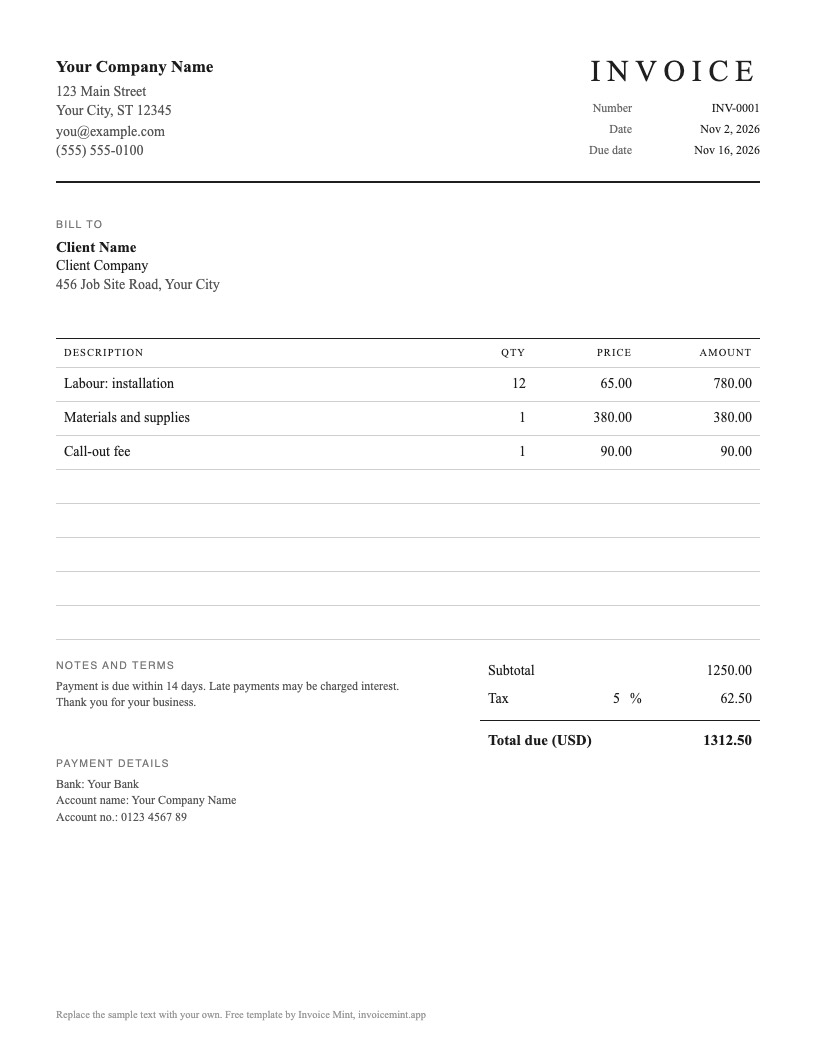 Classic · BlackView and download
-
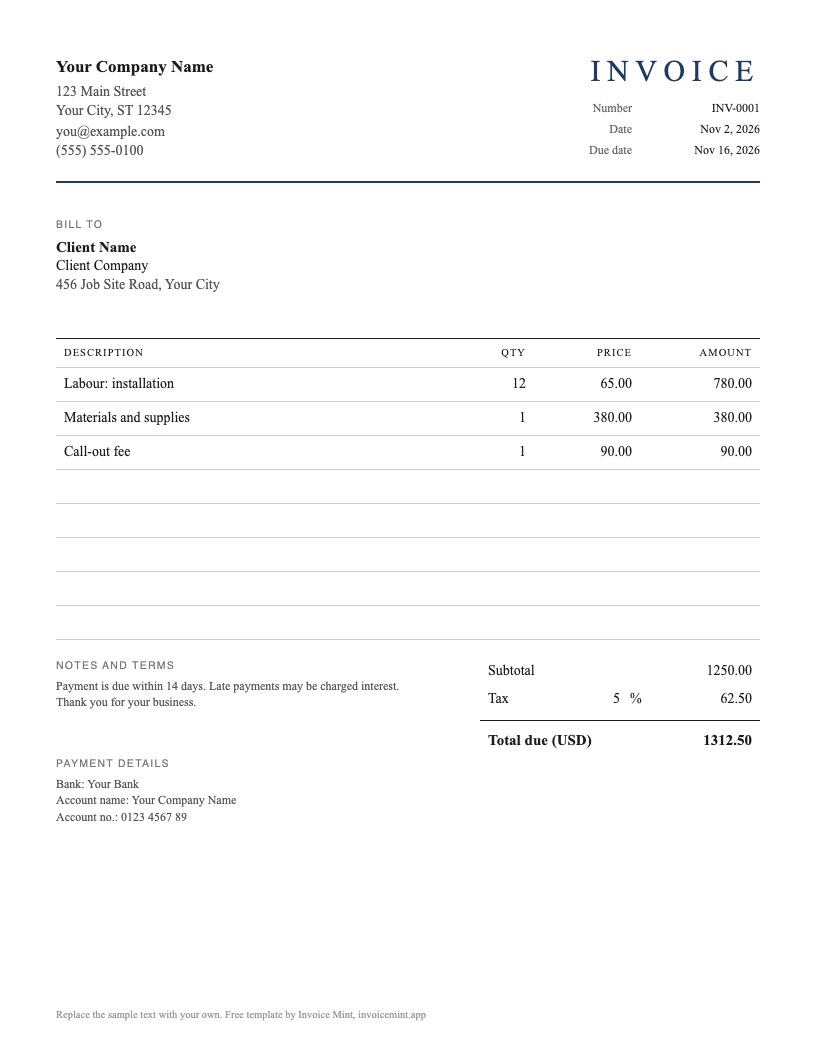 Classic · NavyView and download
-
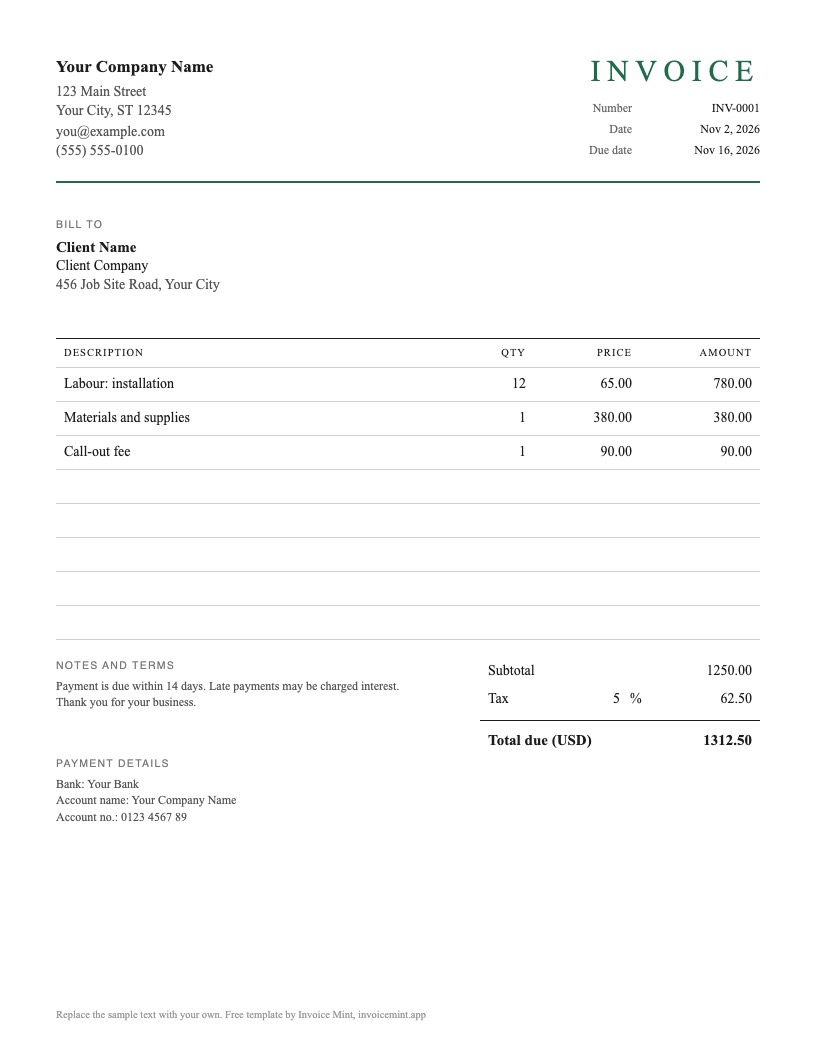 Classic · Forest greenView and download
-
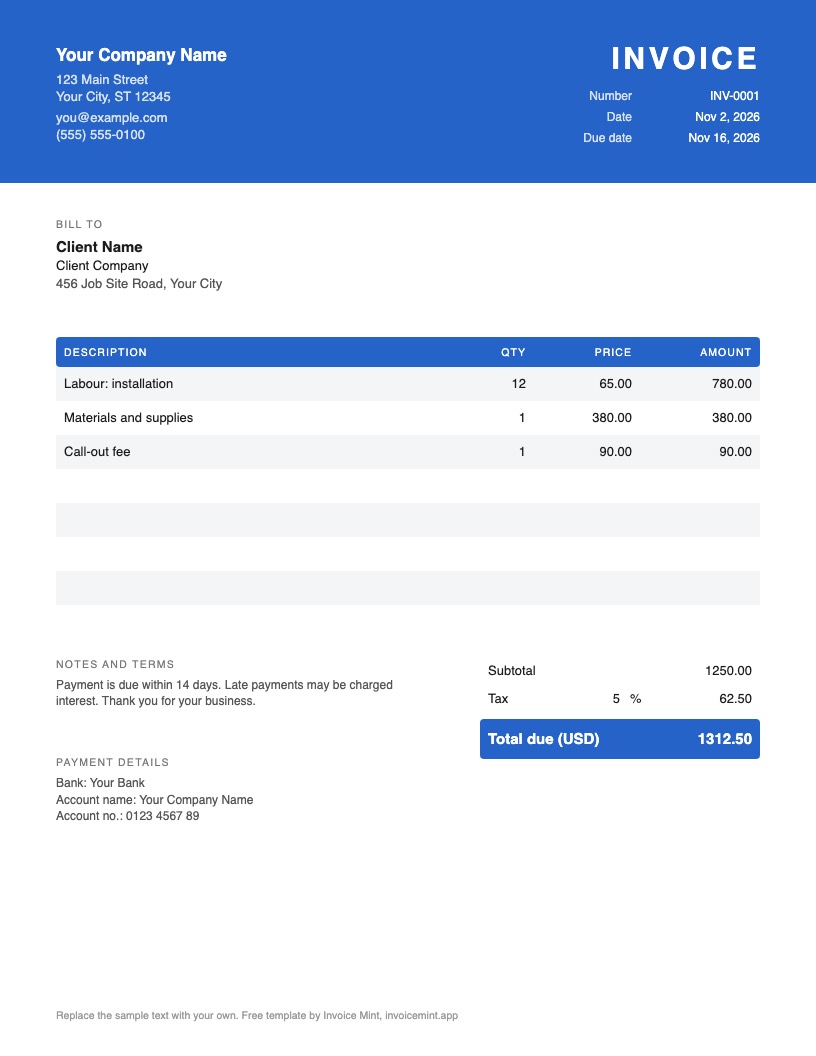 Modern · BlueView and download
-
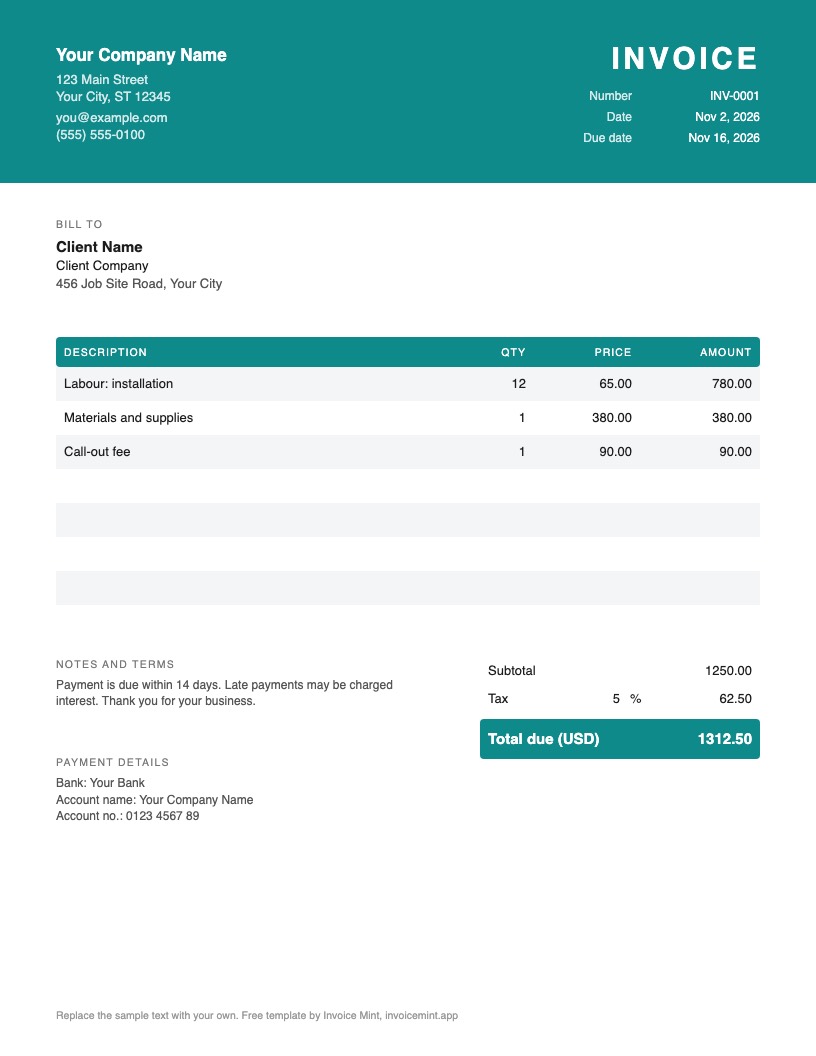 Modern · TealView and download
-
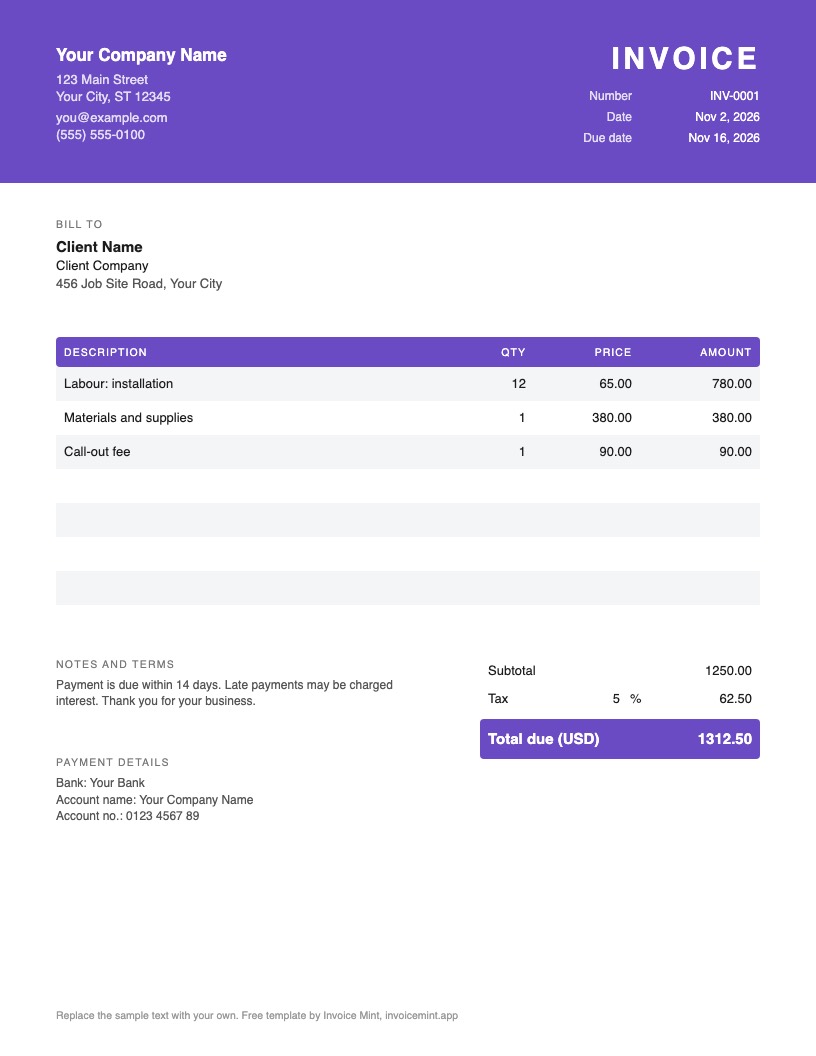 Modern · PurpleView and download
-
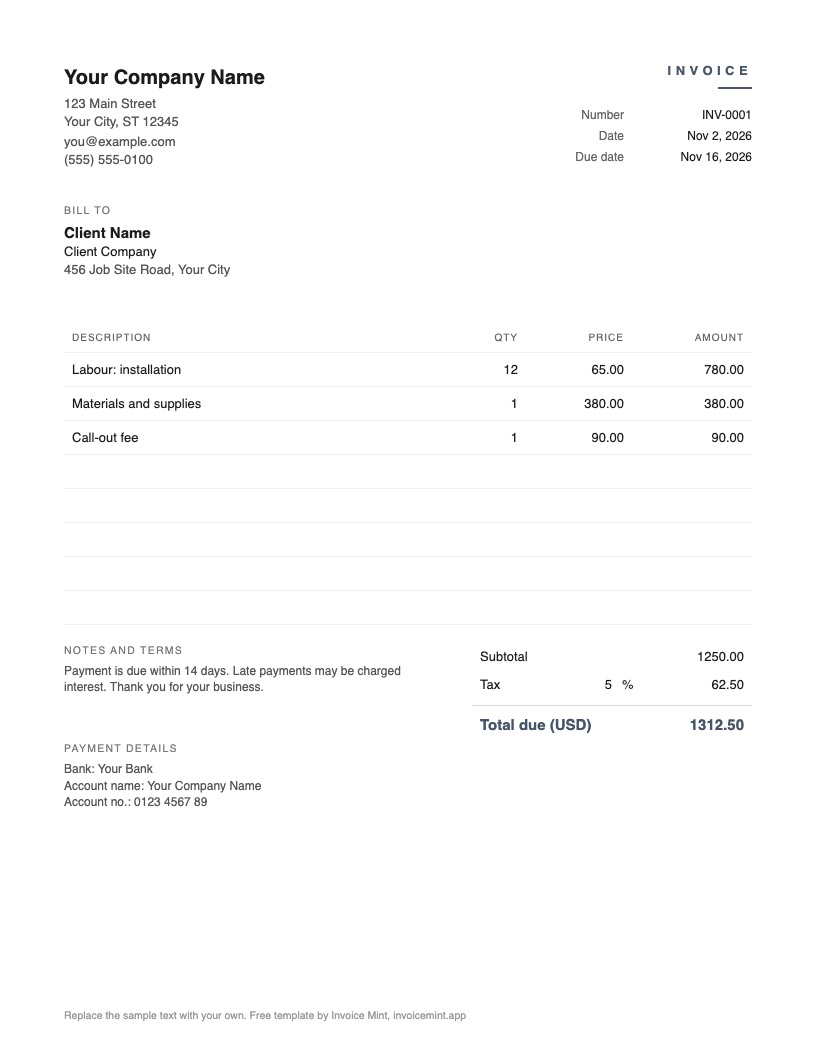 Minimal · SlateView and download
-
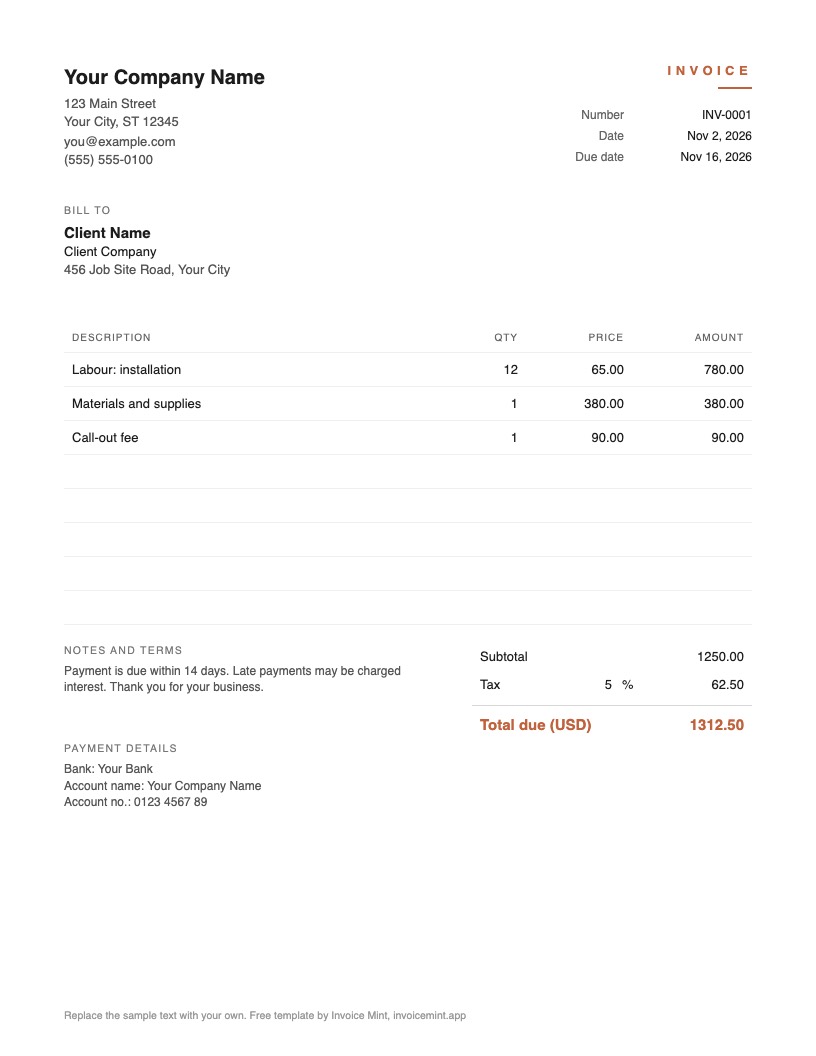 Minimal · TerracottaView and download
-
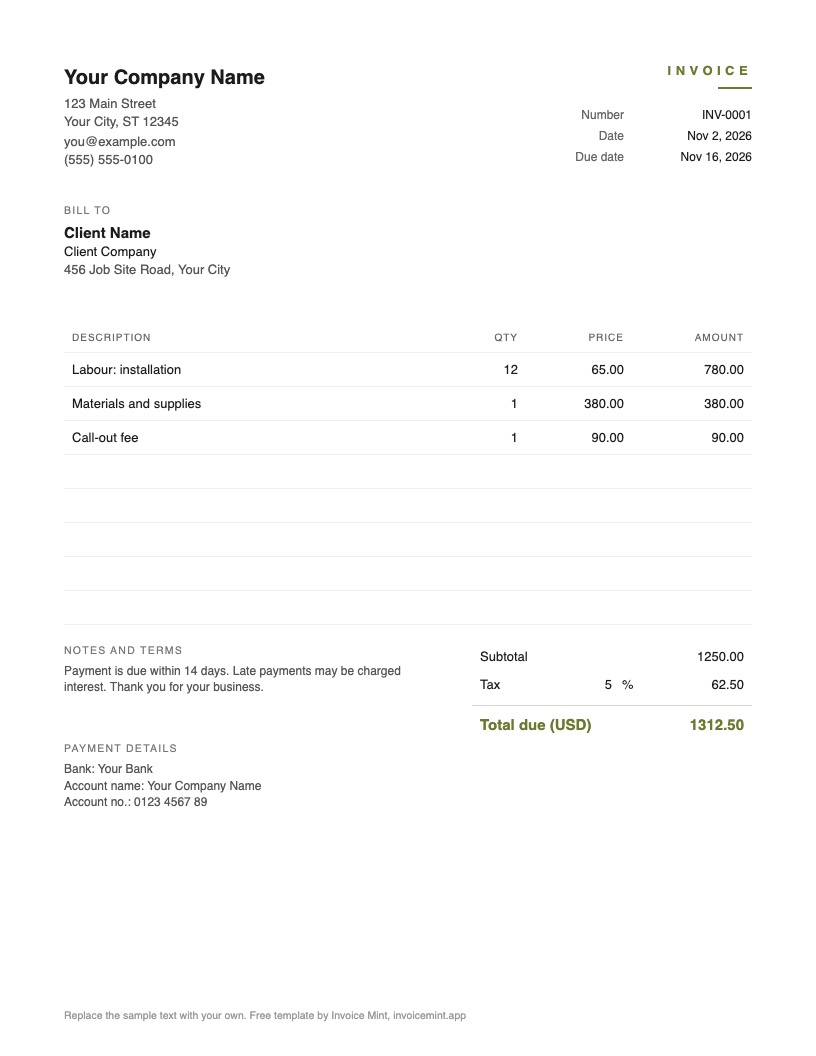 Minimal · OliveView and download
-
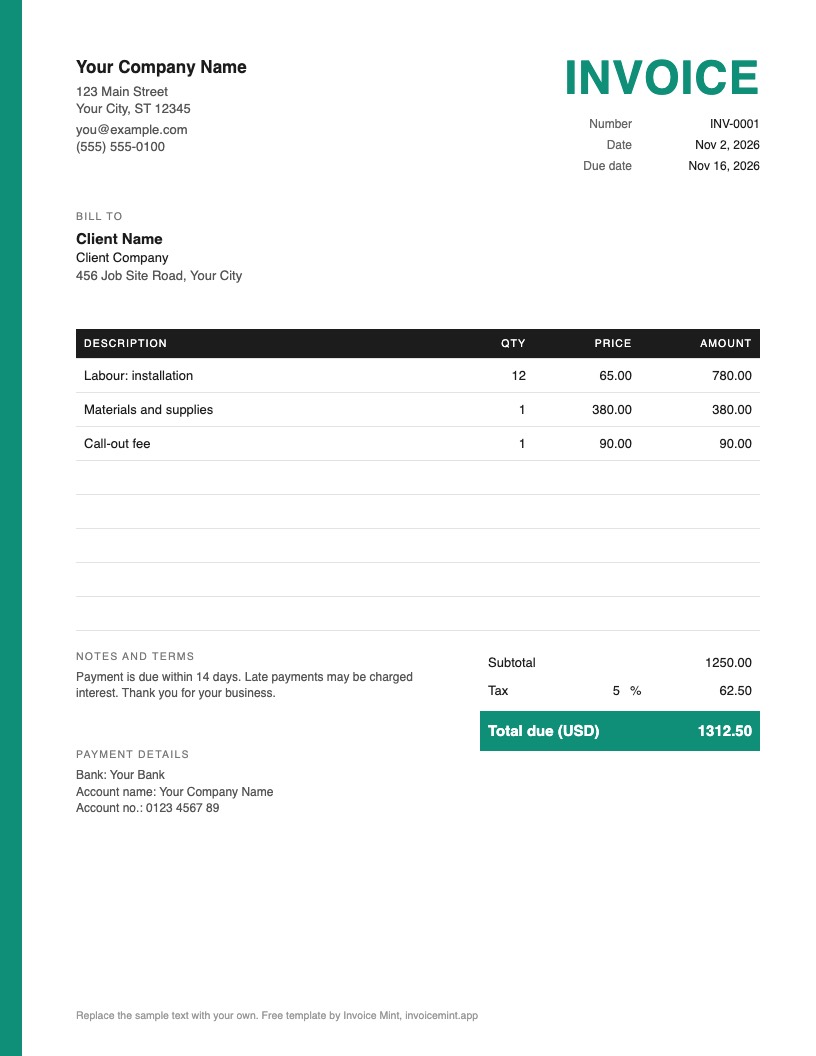 Bold · MintView and download
-
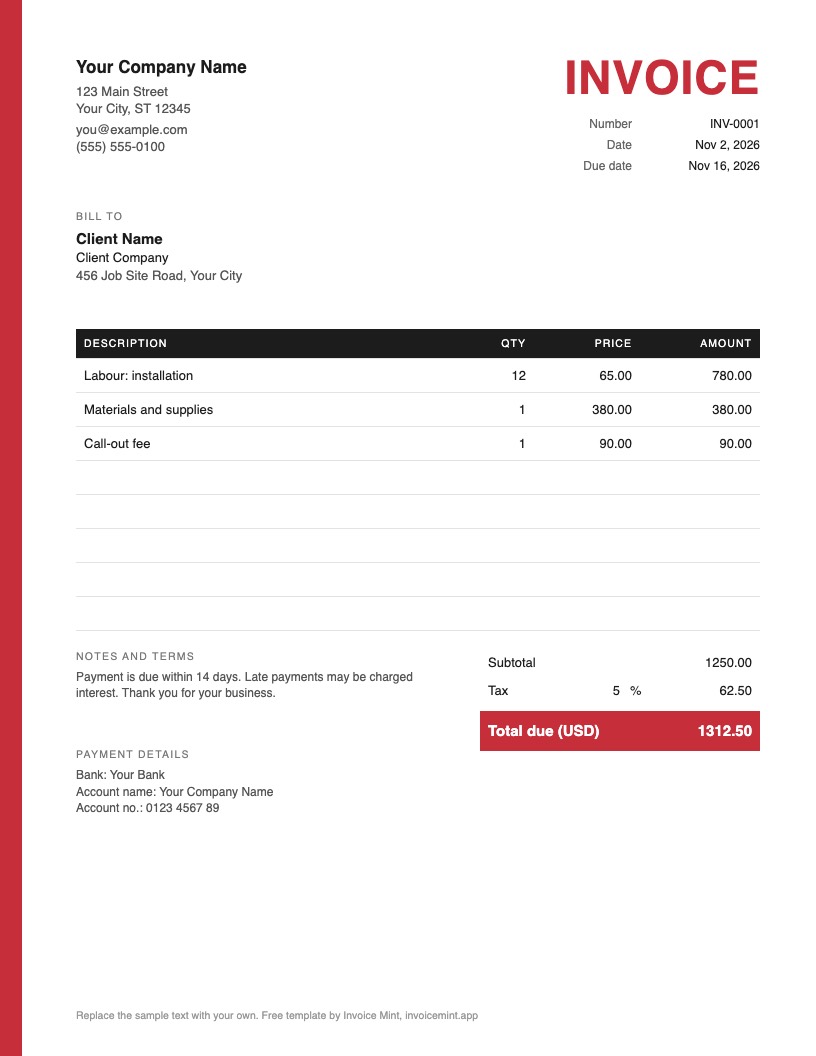 Bold · RedView and download
-
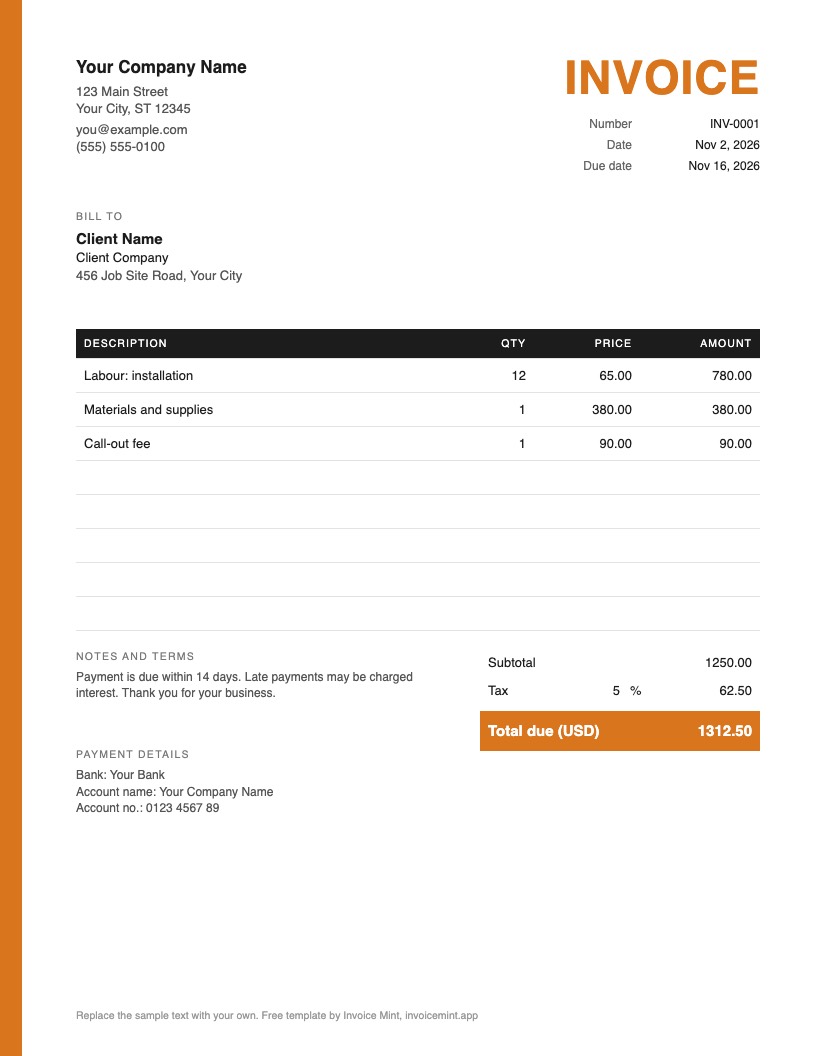 Bold · OrangeView and download
What it includes
- Your business name, address and contact details
- The client’s details
- An invoice number, the issue date and the due date
- Itemized lines with quantity, price and amount
- Subtotal, tax and total, plus notes and payment details
How to use it
- Pick a style and download the PDF, Word or Excel file.
- Replace the sample details with your business and your client.
- Add a line for each piece of labour and material, with quantity and price.
- Check the total, save a PDF copy if you edited the Word or Excel file, and send it.
Common questions
What should an invoice include?
Your details and the client’s, a unique invoice number, the issue and due dates, a line for each item with quantity and price, the total with tax, and how to pay. Some countries also require tax details, so check the rules where you work.
Do I need software to use the template?
Nothing special. Fill in the PDF in any PDF viewer, edit the Word file in Word or Google Docs, and use the Excel file in Excel or Google Sheets, with the totals worked out for you.
Can I use this template for free?
Yes. Download it, edit it and send it to clients as often as you like. If you would rather not edit a file, Invoice Mint builds the same invoice on your iPhone.